Create tattoo designs with AI
Describe your idea, style, color, size and mood. Generate tattoo concepts like dragons, flowers, symbols, lettering, blackwork, fine line and more.
Upload artwork you already love or create a tattoo with AI. Pick the placement and see a preview on your body before you decide on the appointment.
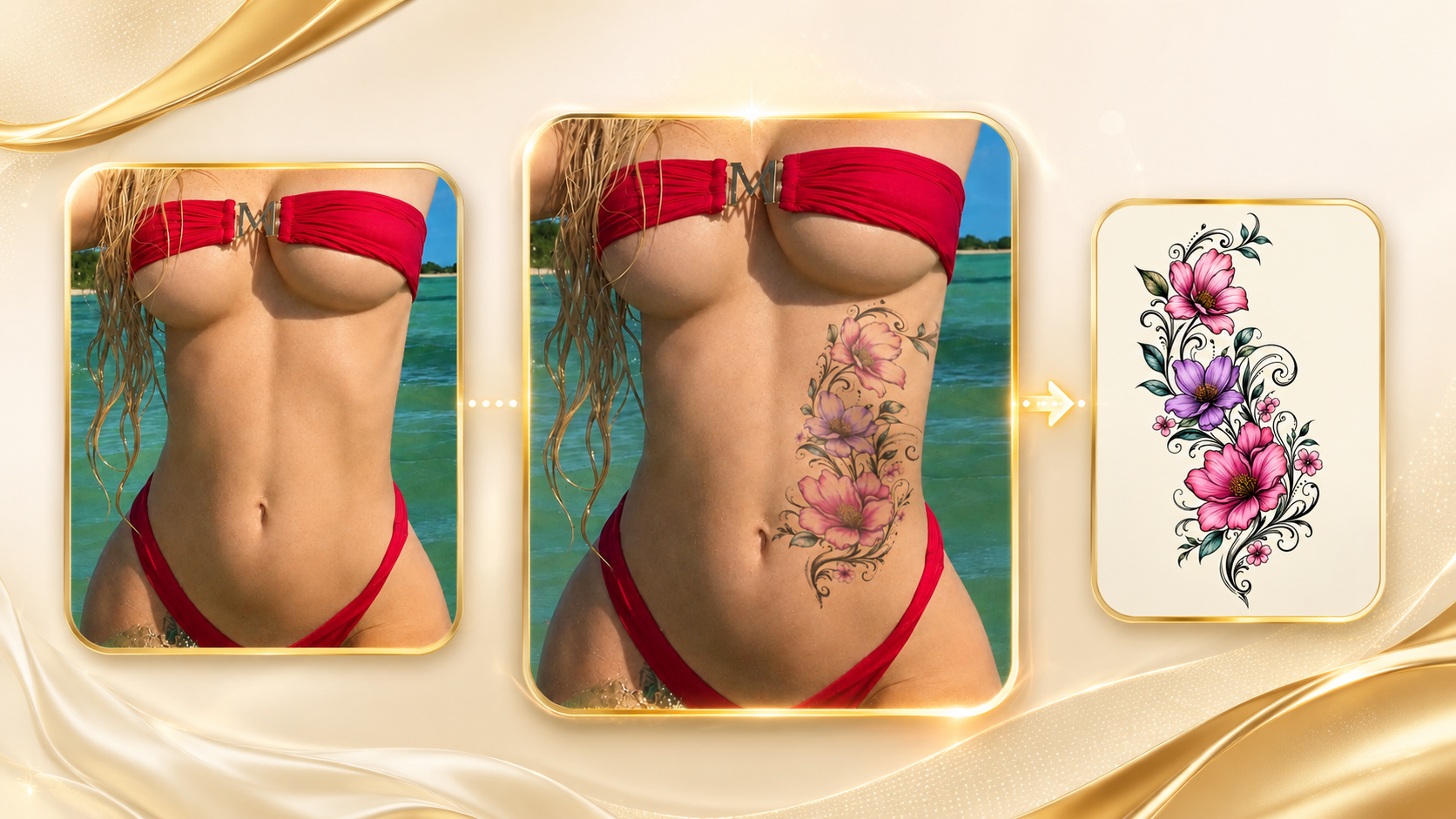
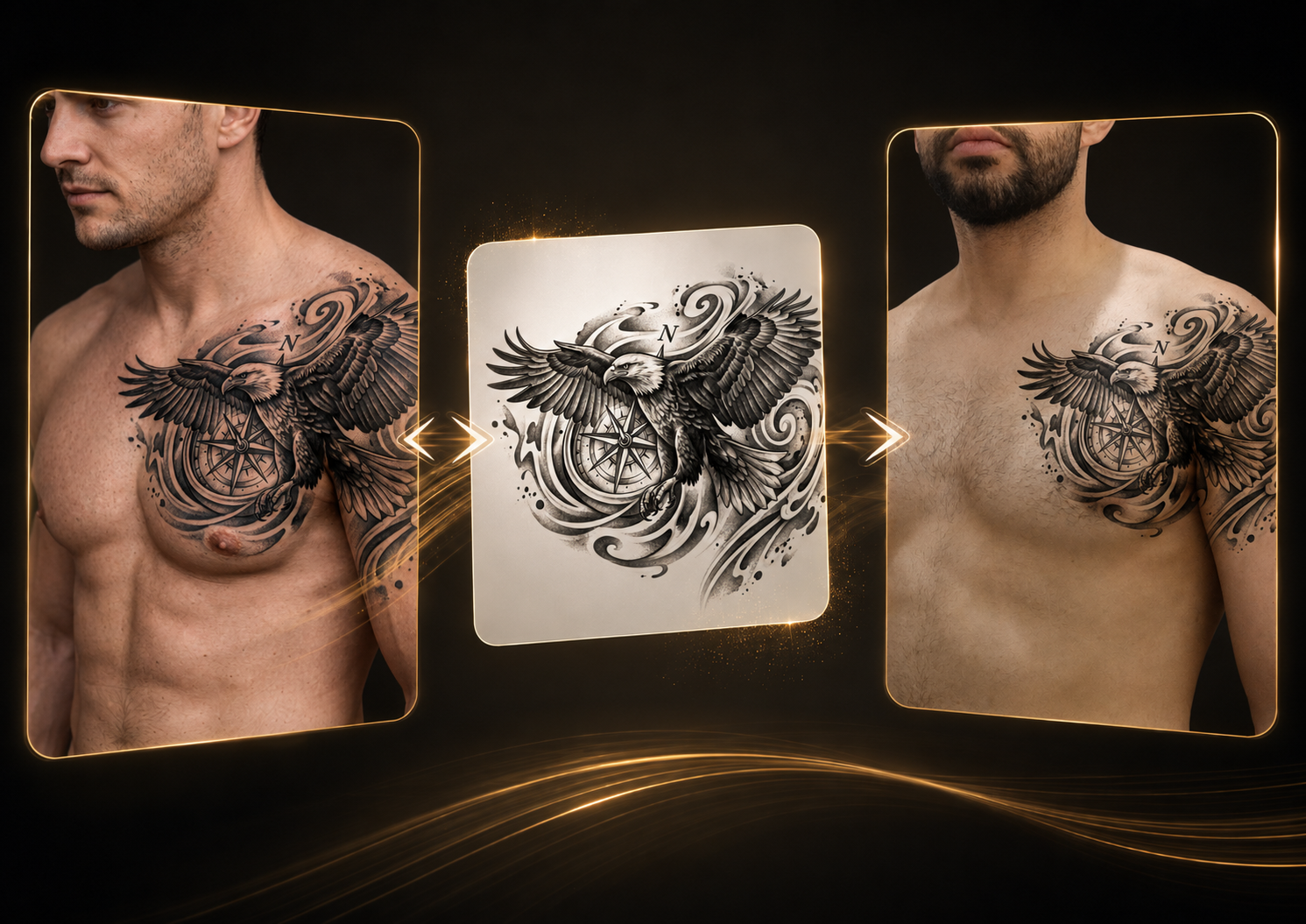
Upload a reference tattoo photo and use copy mode to extract the design, rebuild missing curved areas, and generate a clean tattoo artwork you can test on your own photo.
Try copy mode ➜See the idea on your body, compare placements, and bring a clearer reference to the conversation with your tattoo artist.
Describe your idea, style, color, size and mood. Generate tattoo concepts like dragons, flowers, symbols, lettering, blackwork, fine line and more.
Already have a tattoo design? Upload it and preview how it could look on your body photo before showing it to a tattoo artist.
Test tattoos on chest, shoulder, arm, ribs, back, forearm, leg and other placements to compare what feels right.
Compare the original photo with the simulated tattoo preview and decide with more confidence before getting inked.
Generate a tattoo from a text description or upload your own tattoo image.
Use a clear photo of the body area where you want to test the tattoo.
Select the area, adjust the size and position, and preview the tattoo concept.
See the before and after result, save the preview and share it if you want feedback.
Try different placements before committing to the real tattoo.
Tattoo Simulator helps you explore ideas, compare placements and visualize concepts. Always work with a professional tattoo artist before making a final decision.
Yes. You can describe the tattoo idea you want, including style, subject, placement, colors and details. The app can generate a tattoo concept from that description.
Yes. If you already have a tattoo image, sketch or reference, you can upload it and use it for a body preview.
Yes. You can test different tattoo placements such as chest, shoulder, arm, forearm, ribs, back, leg and more.
No. It is a visual simulation to help you decide the idea and placement. A professional tattoo artist should always adapt the final design for real skin.
You can start exploring the experience without friction. Login may be required when running AI requests, saving previews or downloading results.
Upload your artwork or create with AI and preview it on your body.
Try Tattoo Simulator ➜